My first full stack app - Ticket helpdesk system
Introduction
Hi everyone! My name is Liam, a fresh Business graduate who’s now transitioning into a software development career. This project marks my first full-stack web application — and while it’s still a work in progress, I’m excited to finally share it with everyone.
So, what is this project? It’s an open-source, mail-based ticket helpdesk system that allows you to receive and send support tickets in real-time through integrated channels such as Gmail, Outlook, and more.
You can try the live demo here: See Live Demo →
Why I Chose This Project
The idea came from my freelance work maintaining multiple WordPress sites. Over time, I found myself receiving hundreds of emails every day — client requests, feedback, and updates — all buried in my inbox. It became easy to lose track of conversations or miss important messages because everything was scattered across multiple platforms.
That’s when I thought:
“Why not build a system that centralizes all client messages into one place, organized like a helpdesk?”
And that’s how the Ticket Helpdesk System was born.
What Tech Stack I Used
This project combines both frontend and backend technologies to build a modern full-stack experience.
- Frontend: Svelte5
- Backend: Ruby on Rails + Inertia
- Database: PostgreSQL
- Real-time Communication: ActionCable (WebSockets)
- Authentication: Rails Authentication + JWT
- Deployment: Docker + Karmal
- Text Editor: Forked version of Lexical
Features
Here are some key features I’ve implemented (and more are on the way!):
- Email Integration: Automatically convert incoming emails into tickets.
- Real-Time Messaging: Agents and customers can chat directly inside the system.
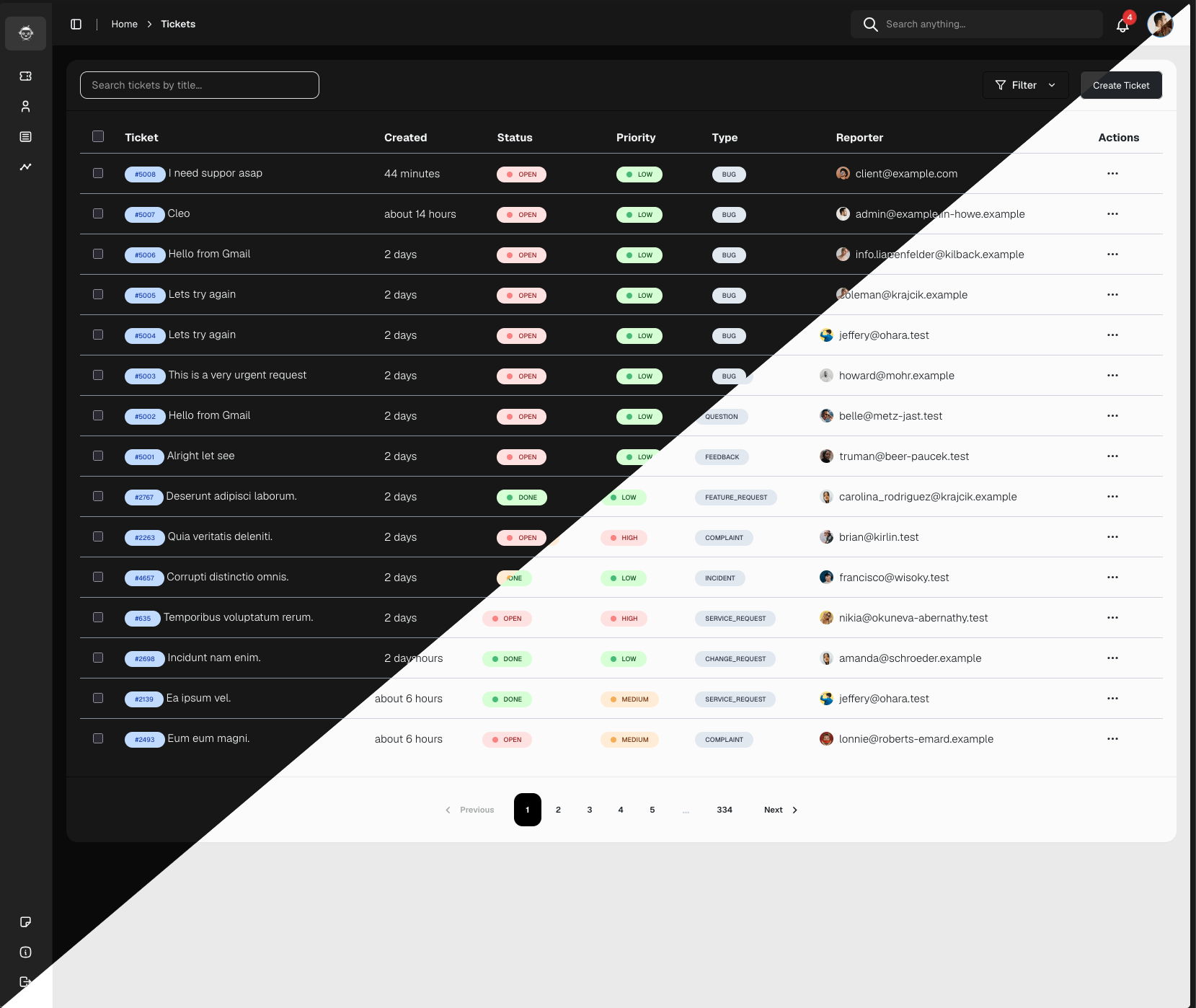
- Smart Ticket Management: Filter, assign, and track ticket statuses easily.
- Multi-User Roles: Admin, Support Agent, and Customer access levels.
- Dashboard Overview: See ticket stats, performance, and workload summaries.
- Authentication & Security: Secure login, JWT sessions, and CSRF protection.
- Multi-Channel Support: Integrate with multiple inboxes and brands.
- Knowledge blog system: Add a blog for better SEO
Customized Lexical: Snippet template message, blog suggestion
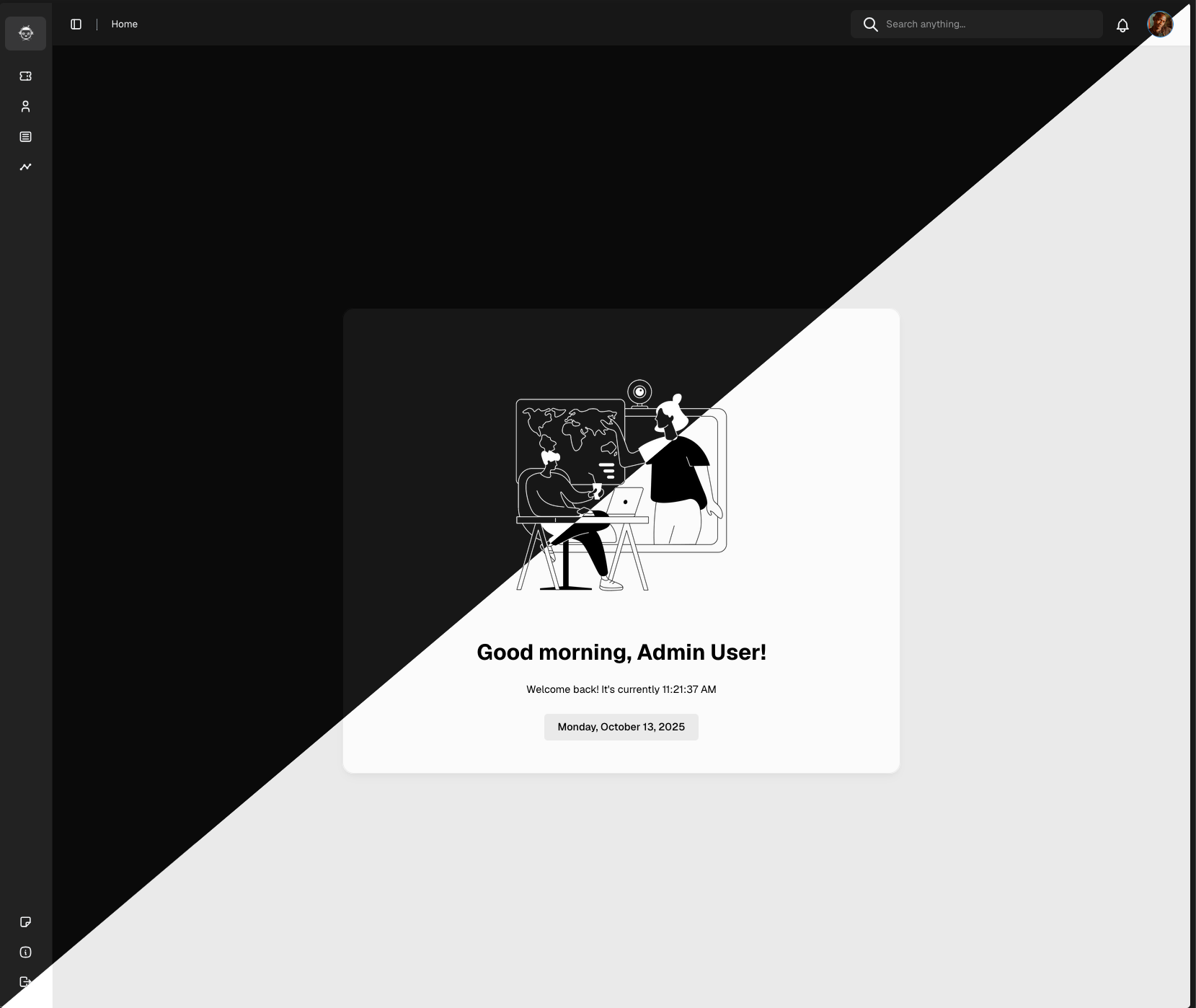
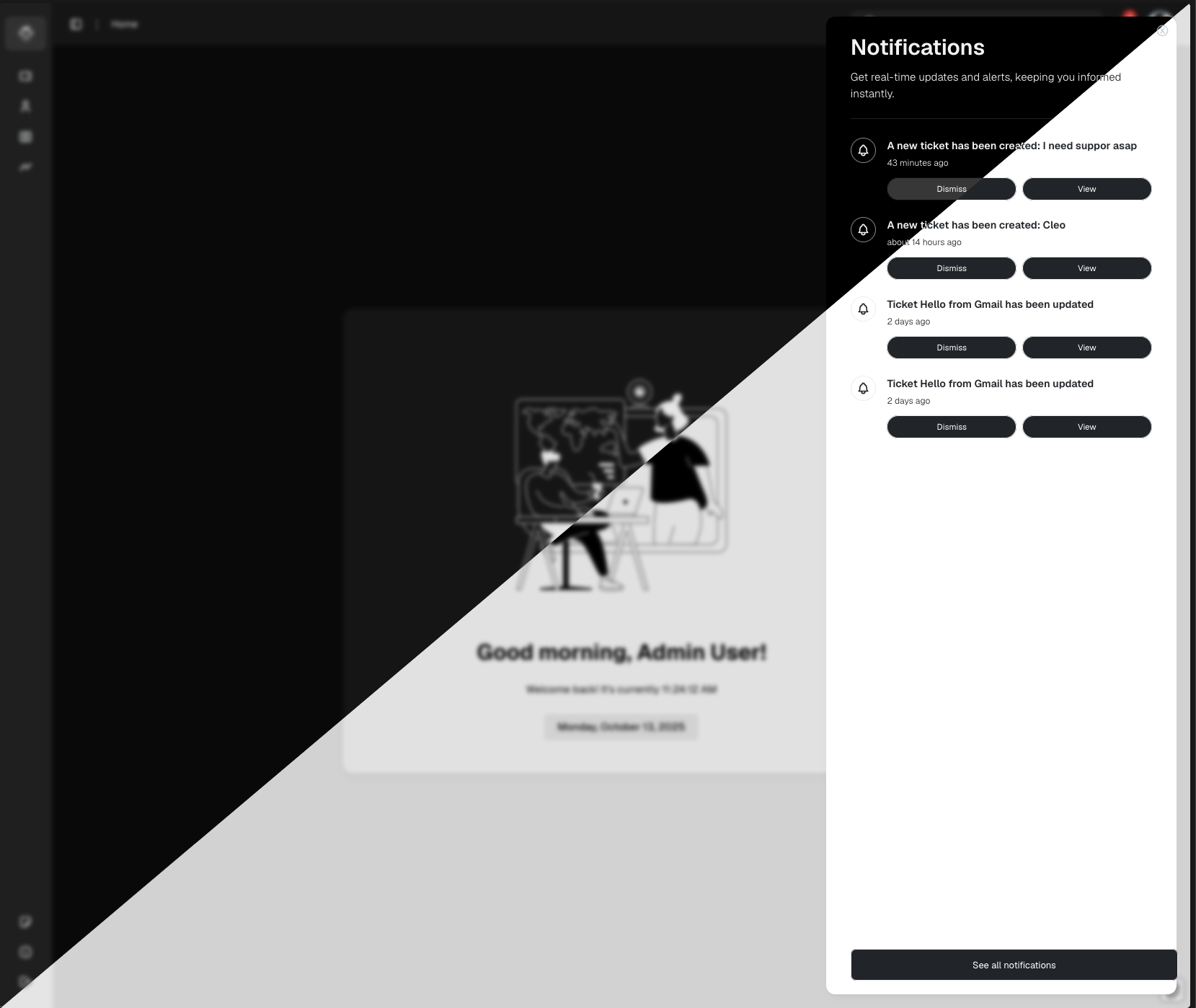
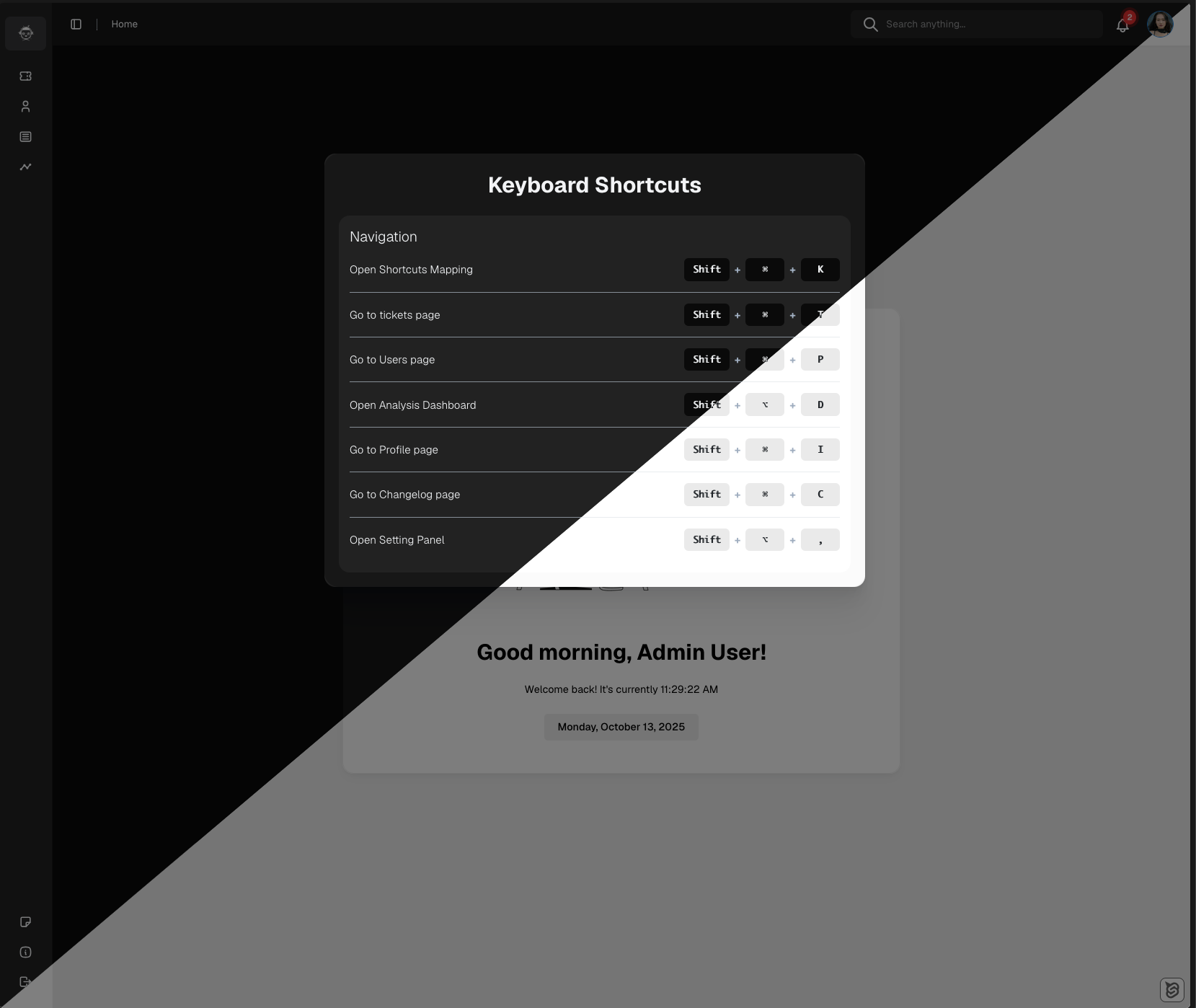
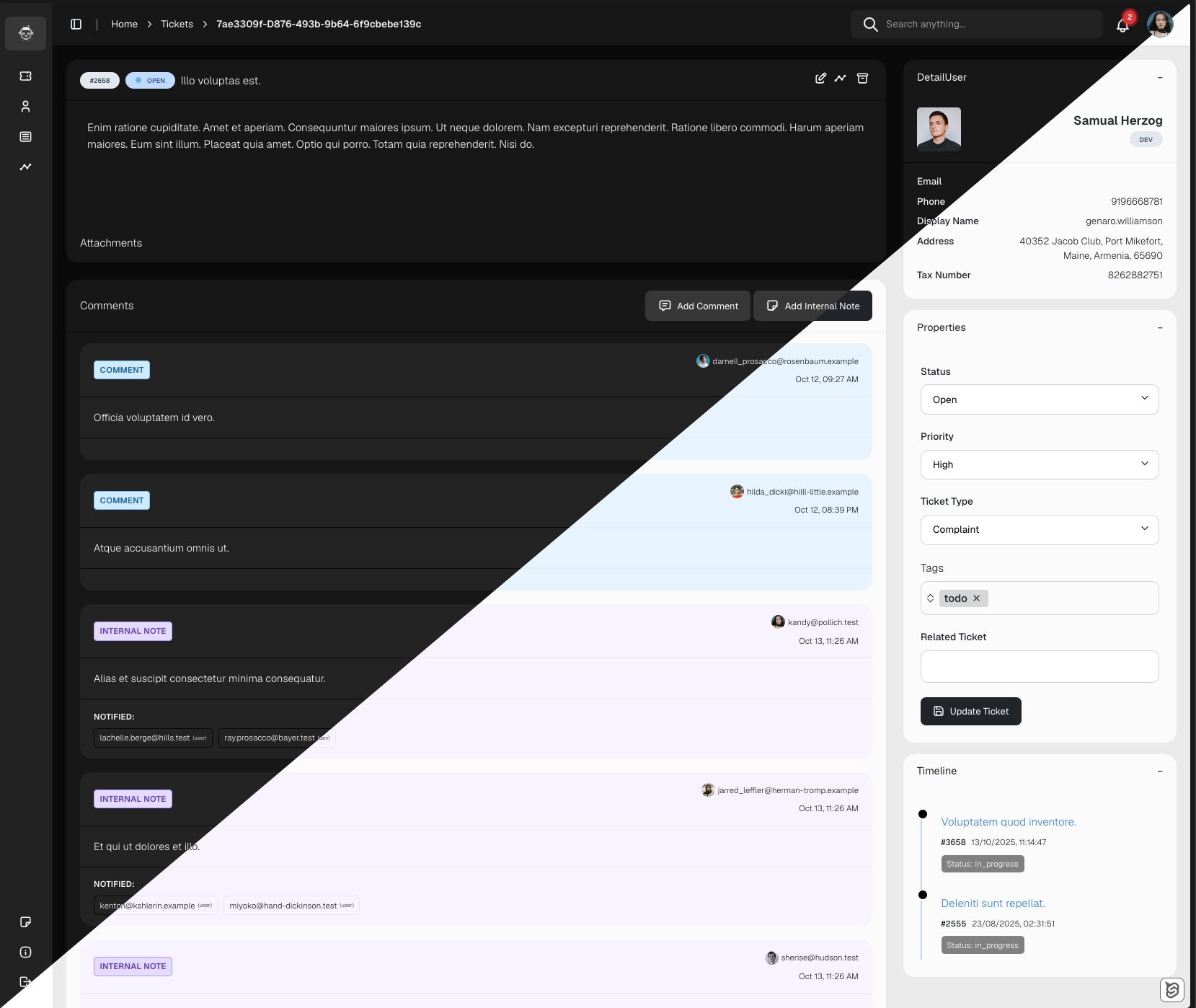
Showcase images
What’s Next
I’m continuing to improve the system with features like:
- AI-assisted ticket replies
- Knowledge base integration
- Custom branding and themes
If you’re interested in contributing or trying it out, check out the source code (coming soon!) or visit the demo site below:
👉 Live Demo — helpdesk.codebyliam.com
Closing Thoughts
Building this project has been an incredible learning experience — from setting up backend APIs to handling real-time communication and email parsing. It’s the first step in my journey as a full-stack developer, and I’m really proud of how far it’s come.
Thanks for reading! 🙌 If you have feedback or ideas for improvement, I’d love to hear from you.
Follow my journey at blog.codebyliam.com